How AI Is Changing Work for Designers, Developers, Engineers and Lawyers
- Graphic designers: faster exploration, not automatic good taste
- Developers: less repetitive typing, more deliberate review
- Engineers: explore alternatives within real constraints
- Lawyers: organise documents, then verify every important claim
- Customer support: a measured gain, with an important boundary
- How to find out whether AI actually helps your work
- The lasting advantage is a better workflow
A designer needs five campaign ideas before lunch. A developer has inherited an unfamiliar codebase. An engineer wants to compare possible components, while a lawyer faces a folder of contracts. Their jobs are different, but the bottleneck is often similar: too much time spent getting to a useful first version.
AI can shorten that stage. It can suggest, summarise, generate and compare. The important question is not whether a machine can produce something quickly, but whether a professional can turn that output into better work without spending the saved time fixing it.
This article looks at practical uses in four professions, one measured example from customer support, and a simple way to test the benefits. The workflow examples below are illustrative, not reports of projects we personally carried out.
Graphic designers: faster exploration, not automatic good taste
In Photoshop, Generative Fill and Generative Expand can change selected content or extend an image beyond its original boundaries. These are useful capabilities when a campaign needs different formats or a designer wants to explore visual directions.
Imagine adapting a portrait-format café photograph into a wide website banner. AI might extend the surroundings, leaving room for a headline. The designer still decides whether the composition works, checks the lighting and edits any implausible details. Actual product labels, logos and factual details should not be invented by the tool.
A sensible sequence is to write the brief, explore three distinct directions, choose one, then refine it with normal design tools. Producing fifty variations without a clear brief often creates more decisions rather than better ideas.
What improves: the speed of early experimentation and routine adaptations. What remains human: art direction, typography, accessibility, brand consistency and permission to use the material. Adobe’s official before-and-after examples show what canvas expansion looks like; they are demonstrations, not independent productivity measurements.
Developers: less repetitive typing, more deliberate review
Useful starting points include asking for a plain-language explanation of a function, proposing test cases, drafting documentation or scaffolding a small feature. The best request includes the language, framework, relevant files, expected behaviour and constraints. “Fix my app” gives an assistant much less to work with than a reproducible bug and a focused test.
Consider a booking form. An AI assistant could draft validation checks for missing dates or conflicting reservations. The developer must verify the business rules, test boundary cases and examine security-sensitive changes. A passing happy-path demo is not enough: permissions, error handling and concurrent bookings still matter.
The evidence also challenges blanket speed claims. METR’s early-2025 trial found that 16 experienced open-source developers took 19% longer with AI across 246 tasks in familiar repositories. Its February 2026 follow-up suggested possible improvement but explained that selection effects made the size of the speedup uncertain. Neither result is a universal verdict on every developer or tool.
What improves: selected drafting, explanation and testing tasks. What remains human: architecture, security decisions, code review and responsibility for production behaviour. Measure completed, reviewed features—not lines of generated code.
Engineers: explore alternatives within real constraints
Engineering AI is not simply a chatbot drawing an attractive shape. Generative design explores options against specified constraints, while other tools can help organise requirements or prepare material for analysis. Loads, materials, manufacturing methods and safety requirements must be supplied and checked.
One concrete example is GM and Autodesk’s 2018 seat-bracket proof of concept. Autodesk reported a design that consolidated eight components into one, with a 40% reduction in weight and a 20% increase in strength. These are reported results for that prototype, not a promise for every component or proof of deployment in every vehicle.
For a small workshop, a practical first experiment might be comparing several bracket concepts under identical constraints. The engineer checks assumptions, runs appropriate analysis and validates the chosen design before manufacture. A plausible rendering cannot certify a load-bearing part.
What improves: the range of options explored and the organisation of information. What remains human: specifications, validation, manufacturability and sign-off.
Lawyers: organise documents, then verify every important claim
Legal tools can assist with first-pass summaries, document comparisons and draft questions for review. Thomson Reuters describes these types of uses in legal practice. It is a legal-technology vendor, so its product descriptions should not be treated as independent proof of a particular time saving.
For example, an approved tool could help organise termination clauses from a set of contracts into a review table. Each entry should retain a reference to the original document and clause. The lawyer then checks exceptions, dates, jurisdiction and the client’s actual objective. A fluent summary may omit the sentence that changes the outcome.
Confidentiality is a separate decision. Do not paste client material into an unapproved consumer service. The American Bar Association’s Formal Opinion 512 guidance discusses competence, confidentiality, communication and fees. That is US professional guidance, not a substitute for the rules in another jurisdiction. Any cited case, quotation or legal proposition needs verification against authoritative material.
What improves: first-pass organisation and drafting. What remains human: legal judgment, client protection and the advice itself. This article explains workflows; it does not provide legal advice.
Customer support: a measured gain, with an important boundary
A 2025 study in the Quarterly Journal of Economics, using data from 5,172 customer-support agents, reported a 15% average increase in issues resolved per hour with AI assistance. Gains differed across workers. That is evidence from a particular support setting—not evidence that every profession becomes 15% faster.
A useful support assistant can surface relevant guidance while the agent handles the conversation. The team should still track whether issues stay resolved, customers receive accurate answers and sensitive cases reach the right person.
How to find out whether AI actually helps your work
- Choose one repeated task. Start with something bounded, such as drafting test cases or adapting a campaign image.
- Record the baseline. Note time spent, corrections required and the quality criteria before adding a tool.
- Define allowed information. Decide what can leave the organisation and use an approved service.
- Count review time. Include prompting, checking, revisions and integration—not just generation time.
- Compare similar tasks. One unusually easy example cannot establish the benefit.
- Keep a named reviewer. Make it clear who is responsible for the final result.
For freelancers, time saved can create room for another client, deeper research or better service. It does not automatically create income. Rework, subscriptions, licensing and customer expectations still affect the economics.
The lasting advantage is a better workflow
AI is most useful when it removes friction from a well-understood task and leaves the expert with more attention for the difficult decisions. The designer’s taste, the developer’s judgment, the engineer’s validation and the lawyer’s responsibility do not become optional. A faster first draft is a starting point; a better verified result is the real benefit.
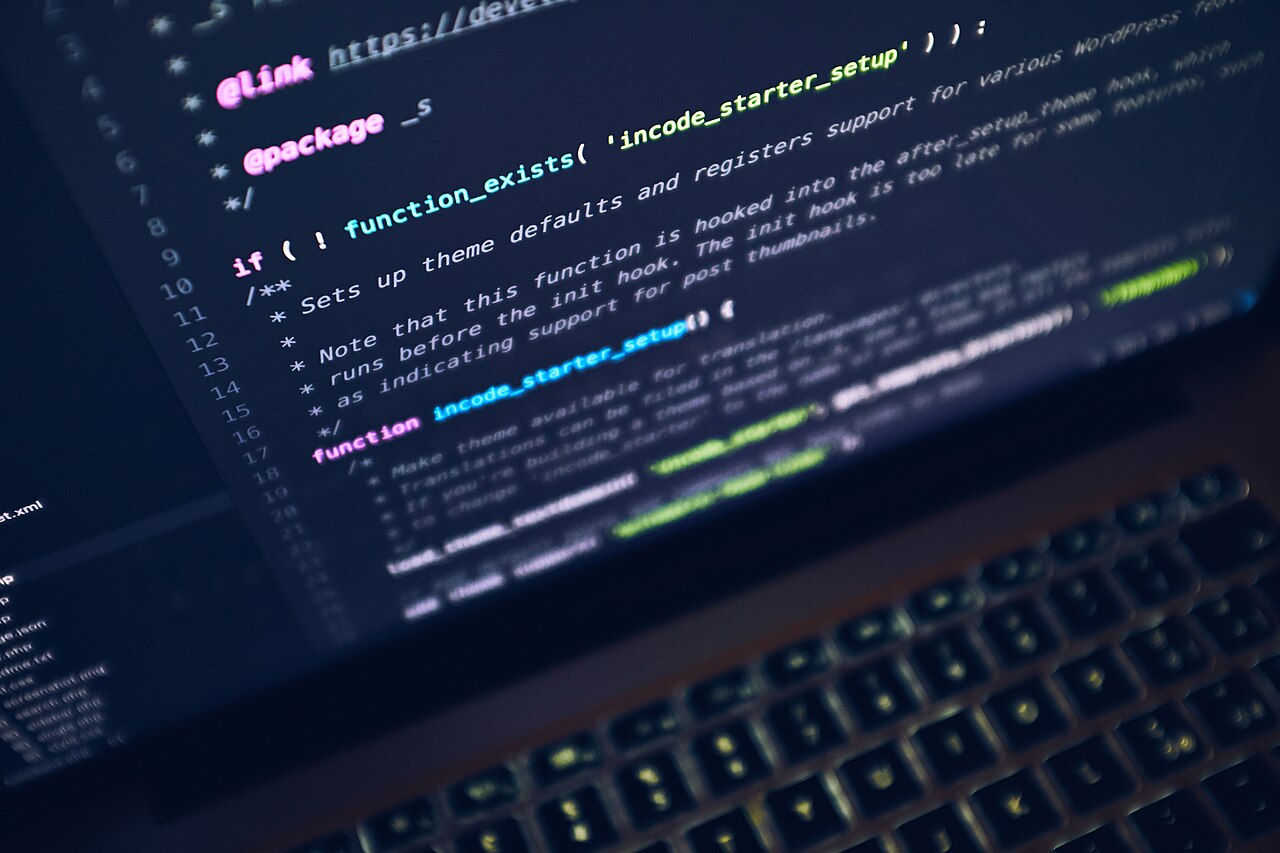
Reviewed on 2 October 2026. The cover photograph is an illustrative programming scene, not a screenshot of an AI tool: PXHERE via Wikimedia Commons, CC0. Research and product examples are linked where discussed.
