QR-Code Scams: What to Check Before You Pay or Sign In
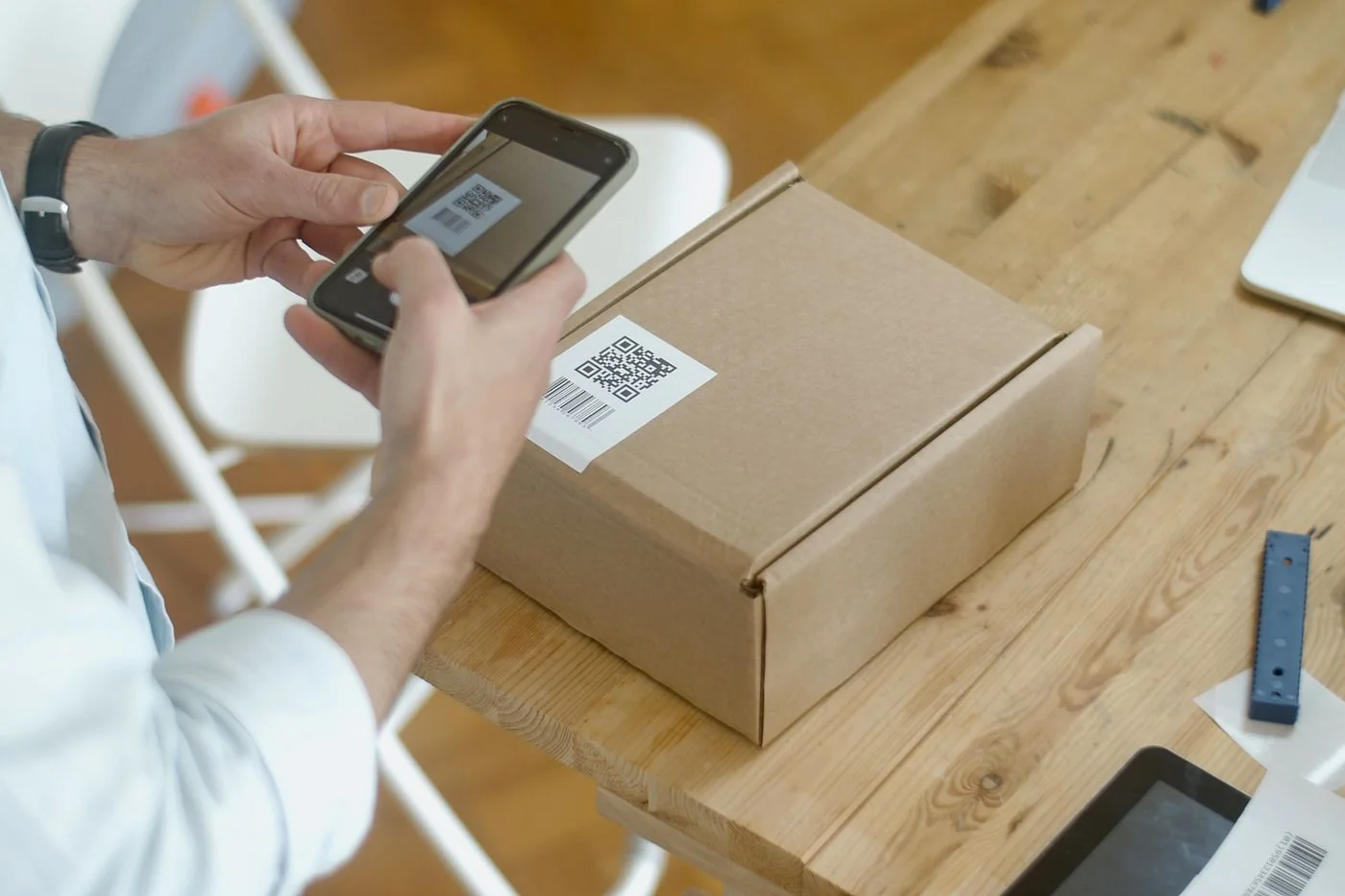
Smartphone scanning a QR code on a parcel. Illustrative use, not documentation of a scam. Kampus Production / Pexels, Pexels License.
A square of tiny black marks has somehow become a menu, a ticket and a payment desk. Convenient? Absolutely. A reason to skip checking where it leads? Not quite.
A QR code is not a trust certificate. Treat an unfamiliar code as you would an unfamiliar link. The useful habit is to pause before opening its destination, and again before entering a password or paying.
What a QR-code scam is trying to achieve
The US Federal Trade Commission’s QR-code warning describes codes leading to imitation websites and scammers placing their own codes over genuine ones. The square is simply the delivery mechanism; the important question is what happens next.
That does not make every restaurant menu suspicious. It means a familiar-looking sign, message or logo is insufficient evidence for a sensitive action. Separate “I want to read this menu” from “I am being asked to hand over account details”.
Pause at the preview
If your scanner shows a destination preview, read it before opening. If it does not, do not let that absence push you into a payment or login. Use a known website or official app instead when the request involves an account.
A long address deserves a slower look, not a faster tap. For a harmless example, shop.example.com and shop.example.com.attacker.example are not the same destination. The second uses the first name inside a different domain. These are illustrative addresses, not links to visit.
At a parking meter or public sign
Look for an added sticker, mismatched printing or an instruction that contradicts the official information nearby. Those observations raise questions; they do not prove fraud. When unsure, use the operator’s verified payment method rather than guessing which square is genuine.
Here is a decision exercise: the sign says parking is paid through an app you already use, but a new sticker directs you to a card-entry page. Open the known app independently. Do not compare two suspicious links and pick the prettier one.
When a message manufactures urgency
“Your parcel needs attention” is a reason to check the delivery independently, not to trust the attached code. The FTC also warns about QR codes accompanying unexpected packages. A physical parcel does not authenticate the website on the note inside it.
Leave the message and use the company’s website or contact information you already trust. Do not call a number copied from the same questionable notice. A genuine issue should remain checkable without following the sender’s chosen shortcut.
If you already scanned it
First record what happened: merely seeing a preview is different from entering credentials, approving a payment or installing software. Close the suspicious page and avoid further interaction. What you do next should match the exposure rather than an alarming headline.
- Entered a password: change it through the real service, check account activity and follow its recovery guidance.
- Provided payment details or paid: contact your bank or payment provider through a verified channel.
- Installed something or approved access: follow your device maker’s security guidance; get help if you cannot identify what changed.
Keep the original message or a screenshot for a report. Never post passwords, card details or private account screenshots when asking others for help.
A rule worth keeping beside your phone
Read the destination. Open important services independently. Never let a countdown make the decision. For broader account precautions, see protecting accounts from digital scams.
Quick questions
Does HTTPS make the page genuine? No. An encrypted connection alone does not prove that the site belongs to the organisation it imitates.
Should I install a special scanner? Do not install software simply because a stranger’s sign tells you to.
Must I stop using QR codes? No. Keep the convenience and add the pause. The menu will still be there after you check.
Image and usage credit
Smartphone scanning a QR code on a parcel. Illustrative use, not documentation of a scam. Kampus Production / Pexels · Pexels License Resized and converted to WebP; use does not imply the photographer’s endorsement.